 India
India  USA
USA  Canada
  Brazil
  (+91) 84878 36210
 (+91) 88490 36209
  sales@candidroot.com
Odoo is a complete ERP solution for any business that continuously improves features and user interface in terms of powerful widgets that streamline operations and extend data visualization and functionalities to diverse business needs.
Odoo 18 with plenty of available widgets for user interface and data visualization for simplification in data entry and improvement in communication to enable dynamic workflows.
This blog post provides a quick overview of some of the essential and newly introduced widgets in Odoo 18 with module names, field types, and their use. Let’s go deeper to know how these widgets for your business to build a more powerful, user-friendly, and efficient Odoo.
List of Odoo 18 Widgets
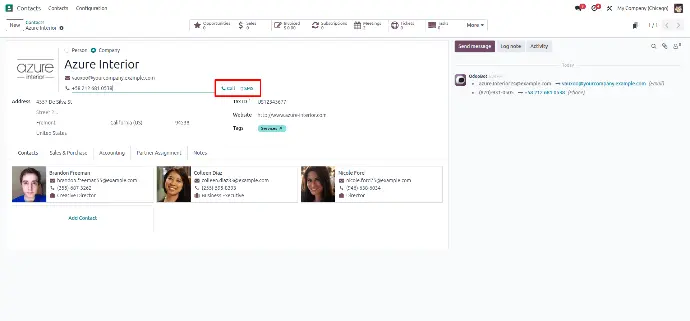
Widget : phone
It allows for making phone calls and sending SMS messages.
- Module : web
- Field Type : char
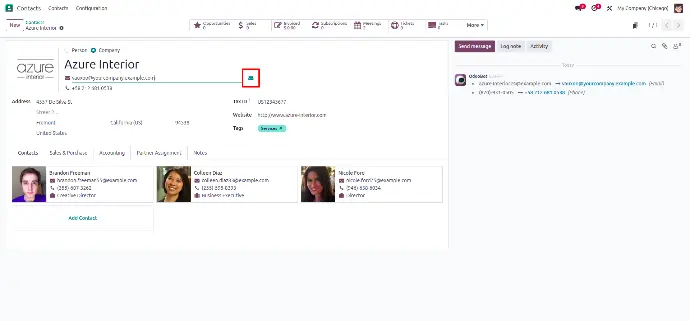
Widget : email
It allows sending emails.
- Module : web
- Field Type : char
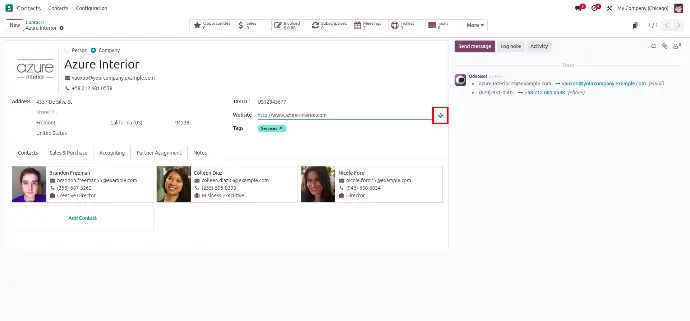
Widget : url
It redirects links to the website.
- Module : web
- Field Type : char
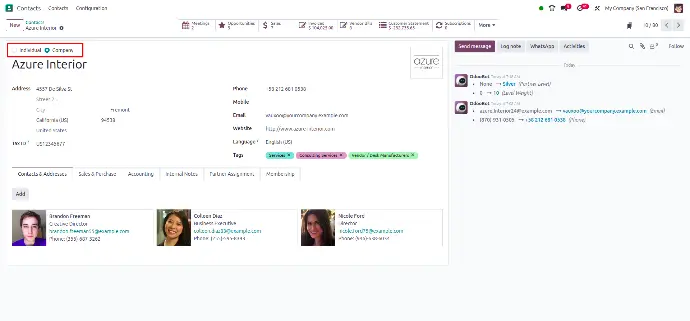
Widget : radio
Select a single option with a simple 'Radio' button.
- Module : web
- Field Type : selection
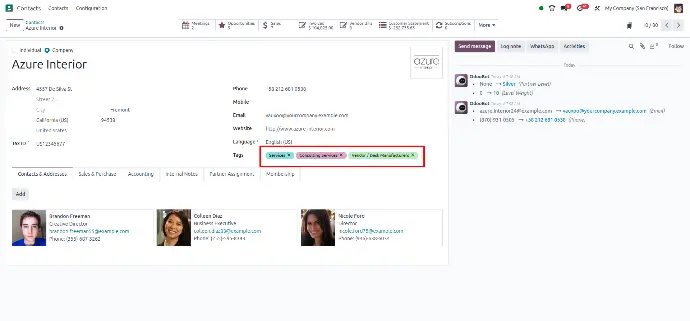
Widget : many2many_tags
It organizes data with multiple tags for better categorization.
- Module : web
- Field Type : many2many
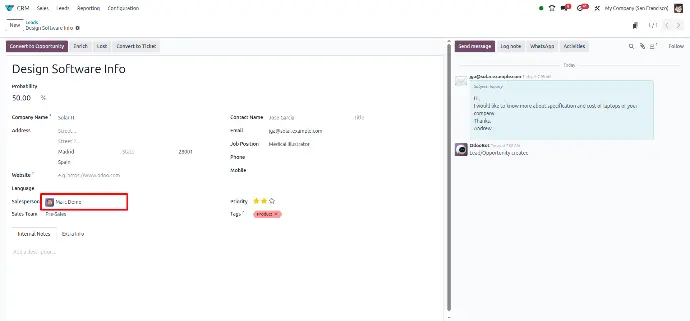
Widget : many2one_avatar_user
Assign users with their avatars for easy identification.
- Module : mail
- Field Type : many2one
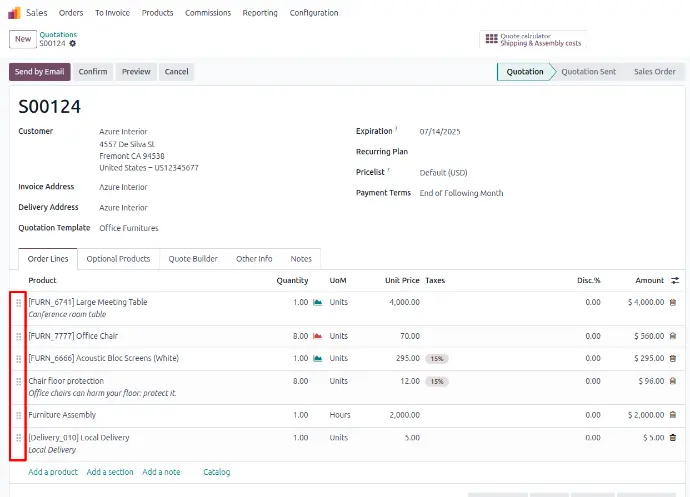
Widget : handle
Drag and drop items for smooth reordering.
- Module : web
- Field Type : integer
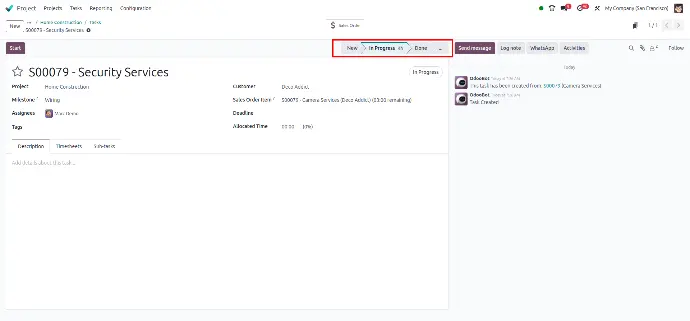
Widget : statusbar_duration
Track the time spent in various stages with the status bar.
- Module : mail
- Field Type : many2one
Widget : monetary
Manage currency fields to handle financial data accurately.
- Module : web
- Field Type : monetary, float
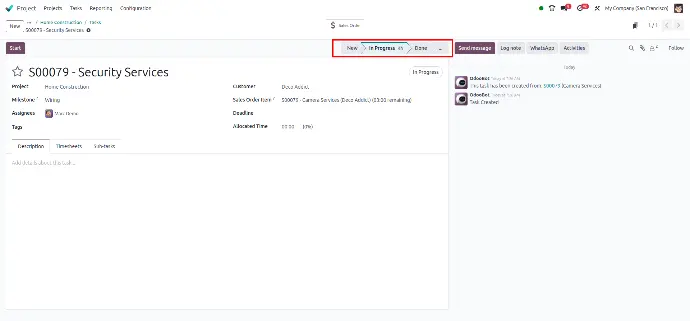
Widget : float
Work with precise decimal values for greater accuracy ( E.X. : 2.90 )
- Module : web
- Field Type : float
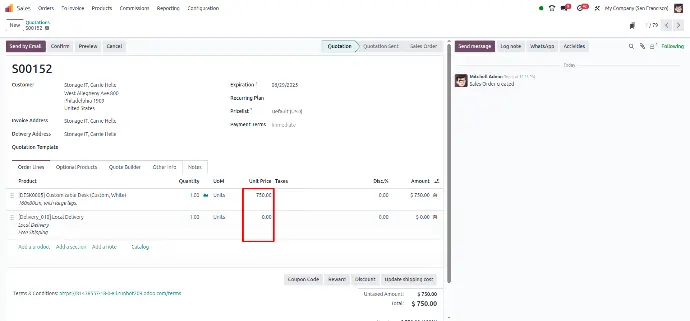
Widget : res_partner_many2one
Connect your records to related partners.
- Module : partner_autocomplete
- Field Type : many2one (res.partner)
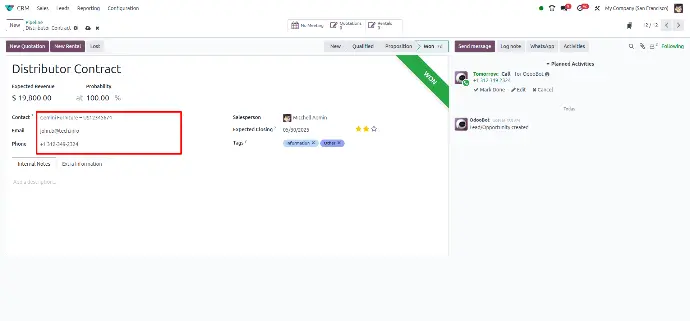
Widget : priority
Set priority levels for tasks with just a click.
- Module : web
- Field Type : selection
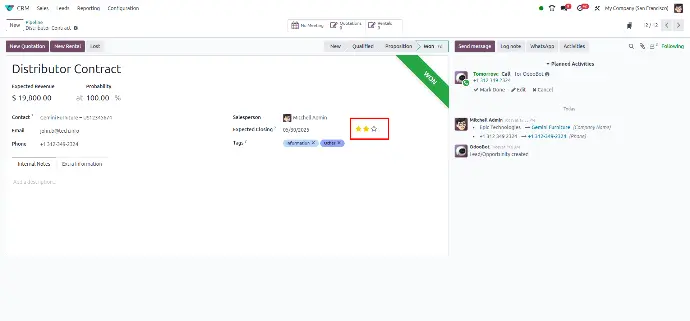
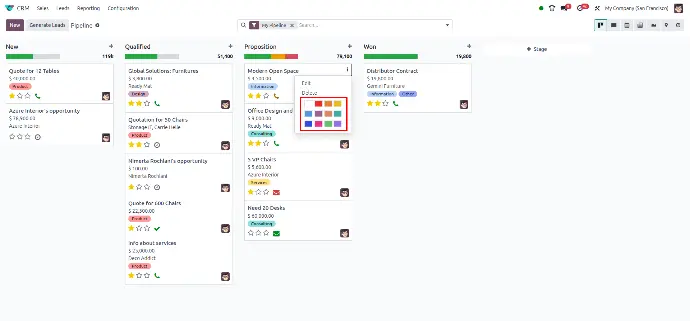
Widget : color_picker
Choose custom colors to personalize records or labels.
- Module : web
- Field Type : integer
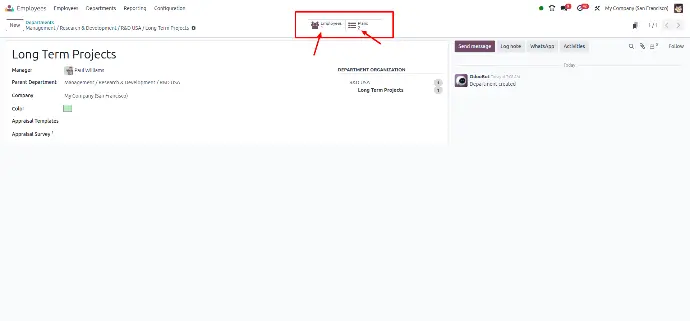
Widget : statinfo
Display key metrics in an easy-to-read format.
- Module : web
- Field Type : integer, float, monetary
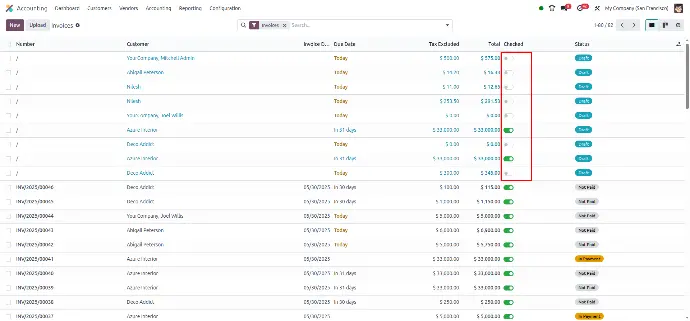
Widget : boolean_toggle
Turn features on or Off with a simple toggle switch.
- Module : web
- Field Type : boolean
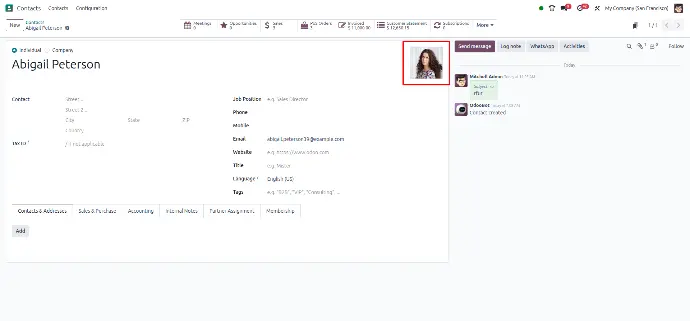
Widget : image
Upload and showcase pictures directly in your records.
- Module : web
- Field Type : binary, many2one
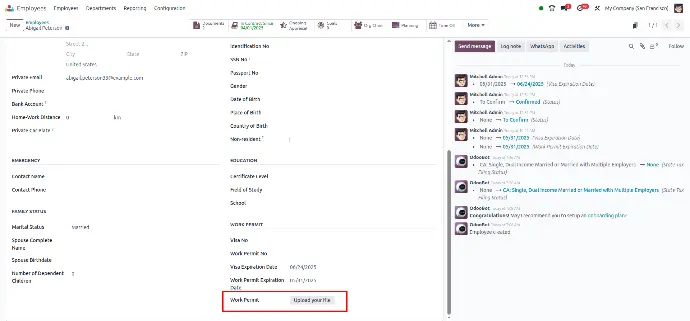
Widget : work_permit_upload
Upload and manage work permit documents seamlessly.
- Module : hr
- Field Type : binary
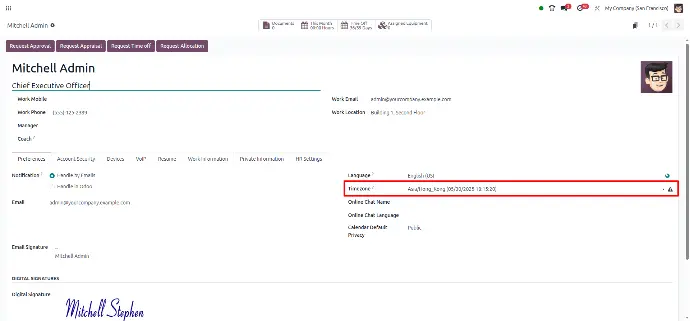
Widget : timezone_mismatch
Get alerts for mismatched time zones between users.
- Module : web
- Field Type : selection
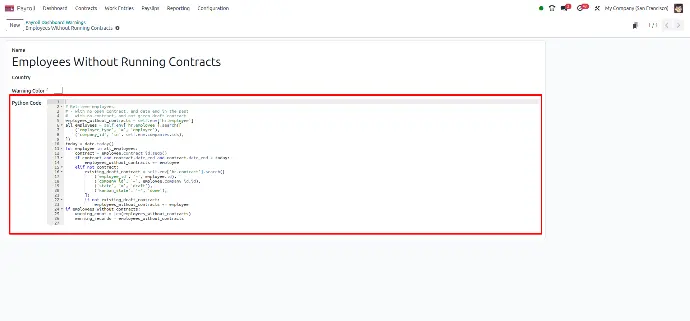
Widget : ace
Enable the advanced core editor for easy development workflows.
- Module : web
- Field Type : text, html
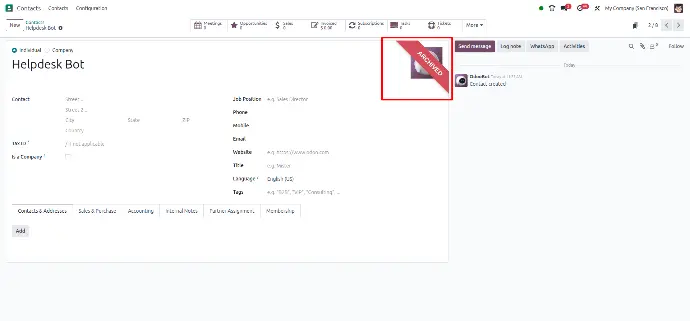
Widget : web_ribbon
Add customizable ribbons to highlight important information.
- Module : web
- Field Type : Based on conditions
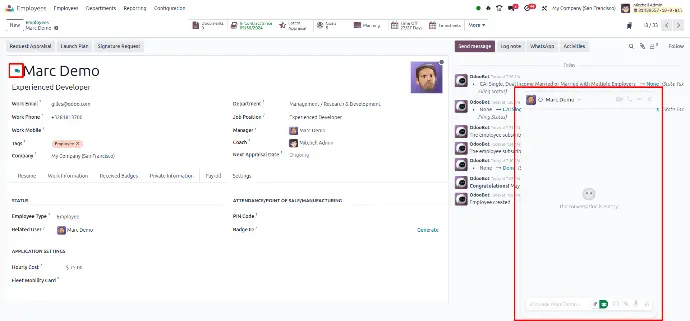
Widget : hr_employee_chat
Communicate with employees via integrated chat.
- Module : hr
- Field Type : Based on condtions
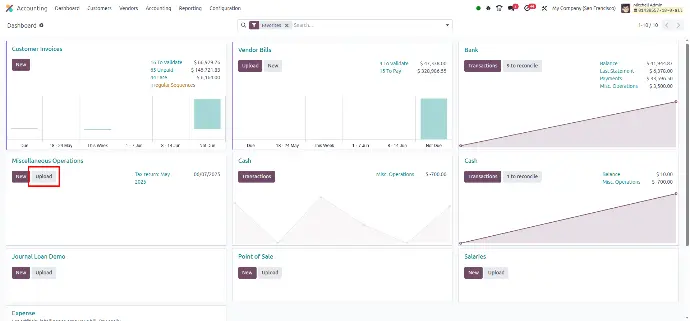
Widget : account_file_uploader
Upload accounting files with ease for streamlined management.
- Module : account
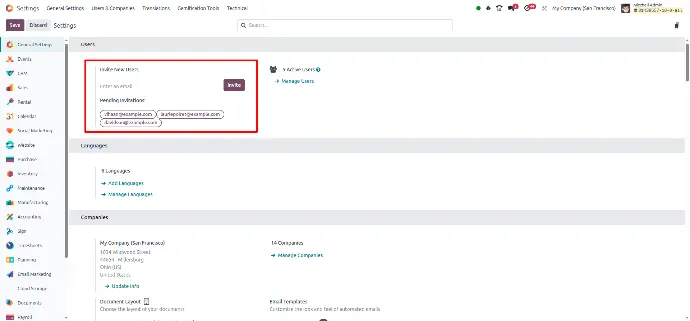
Widget : res_config_invite_users
Easily invite users to join your system.
- Module : web
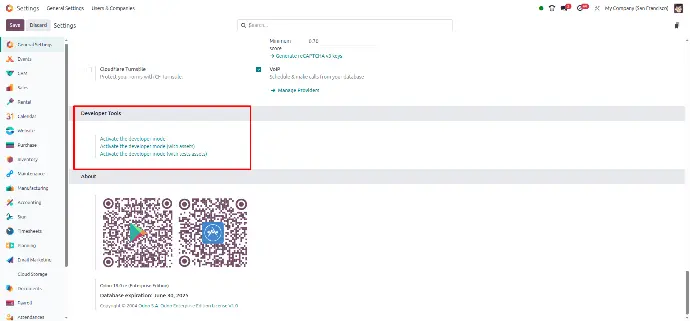
Widget : res_config_dev_tool
Access powerful development tools directly in your Configuration.
- Module : web
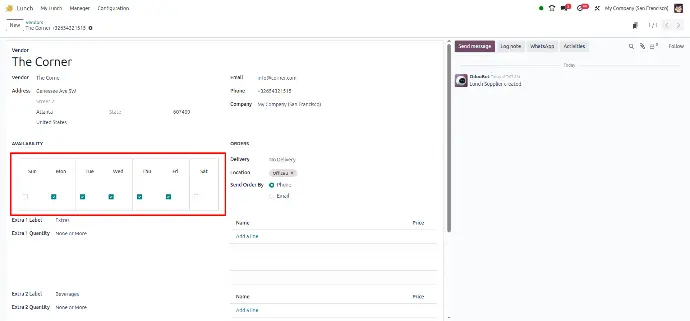
Widget : week_days
Select specific weekdays for task scheduling and reminder.
- Module : web
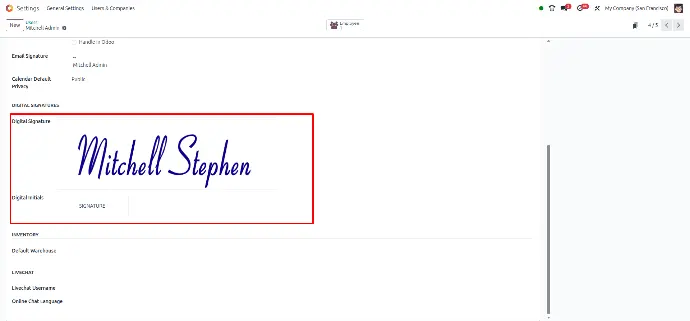
Widget : signature
Capture and store digital signatures for approvals.
- Module : web
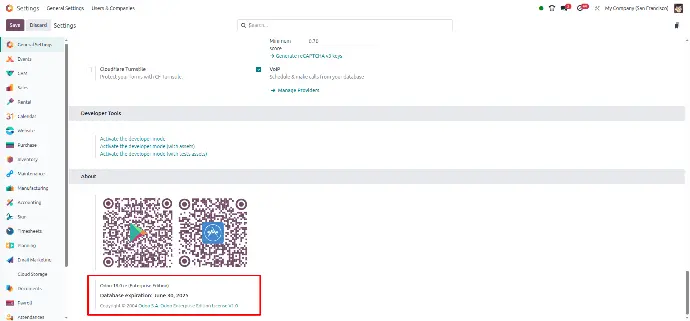
Widget : res_config_edition
Choose the edition of Odoo to suit your business needs.
- Module : web
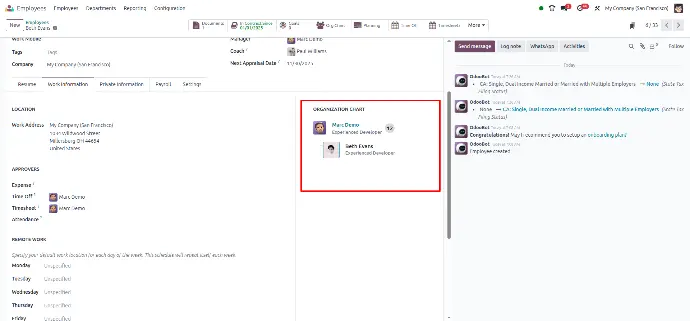
Widget : hr_department_chart
Visualize your organization's structure with the department chart.
- Module : hr
Widget : bill_upload_guide
Simplify your billing process by following the upload guide.
- Module : Account
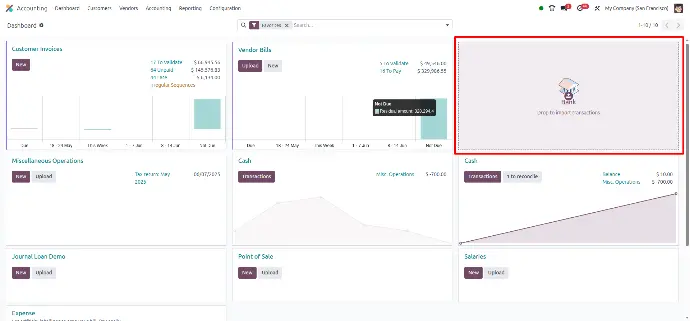
Widget : account_onboarding
Get step-by-step guidance during your accounting setup.
- Module : account
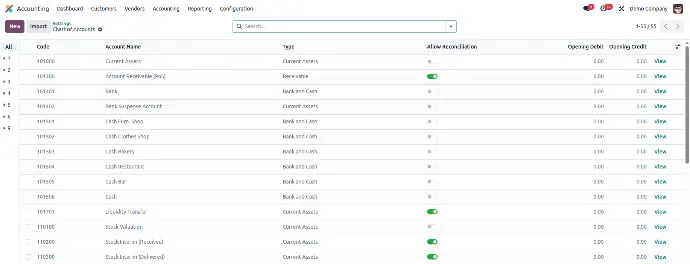
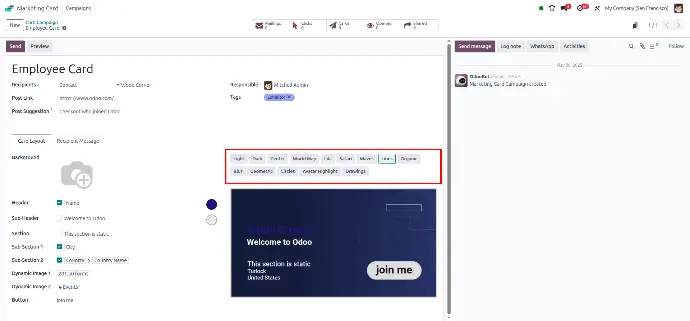
Widget : selection_badge
Make selection fields more user-friendly by displaying them as badges instead of plain text / selection.
- Module : web
- Field Type : many2one, selection
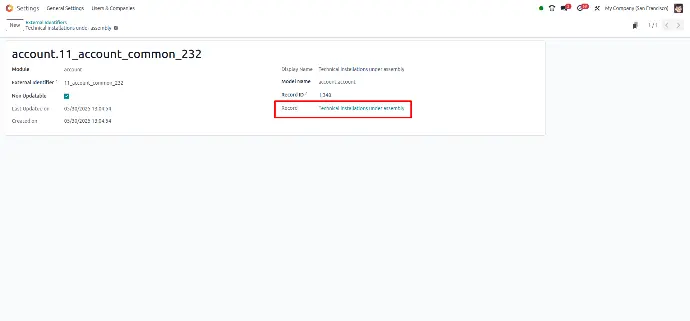
Widget : reference
Used to dynamically link to any model using a combination of model name and record ID (like res.partner,4).
- Module : web
- Field Type : reference, char
Widget : many2one_reference_integer
Used to store id of that particular object which is obtained by reference widget.
- Module : web
- Field Type : Many2oneReference
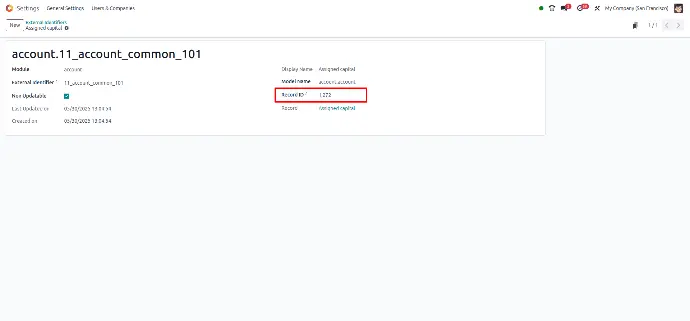
Widget : many2one_avatar_employee
Used to enhance employee selection with avatar images and names, providing a visually rich UI when choosing an employee.
- Module : hr
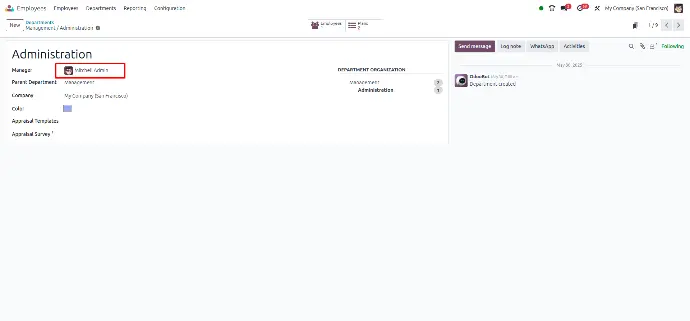
Widget : hr_homeworking_radio_image
Used to display a group of radio buttons with images/icons (instead of plain text) — typically used for selecting a work location like:
🏢 Office
🏠 Home
- Module : hr
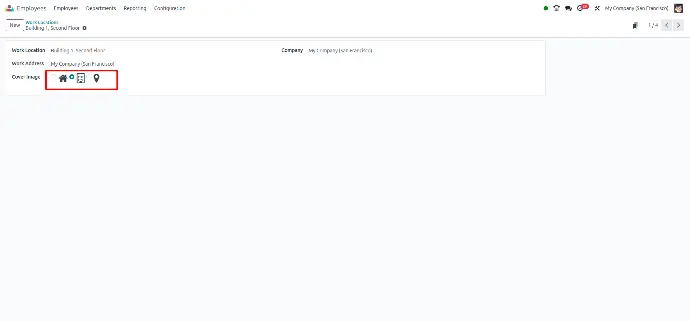
Widget : image_url
Used to display an image in a form view or kanban view using a URL / PATH (not base64).
- Module : web
- Field Type : char
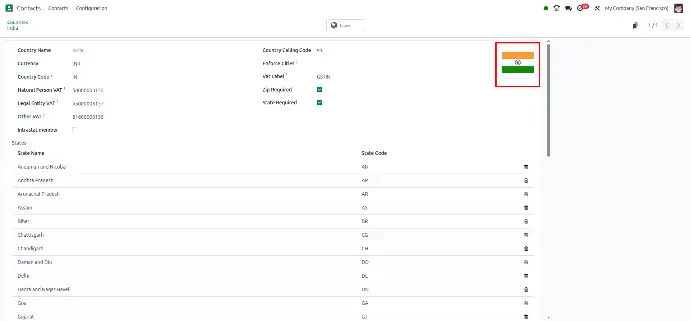
Widget : text
Used to display a multi-line text area for input.
- Module : web
- Field Type : html, text
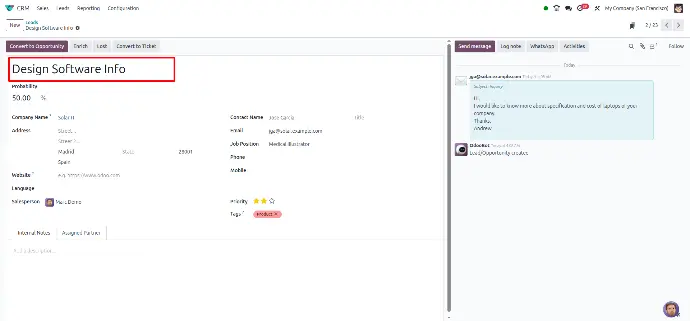
Widget : text_emojis
It allows users to enter multi-line text with emoji support 📝😊.
It is mostly used in:
Messaging
Notes
Social-like comment boxes
- Module : web
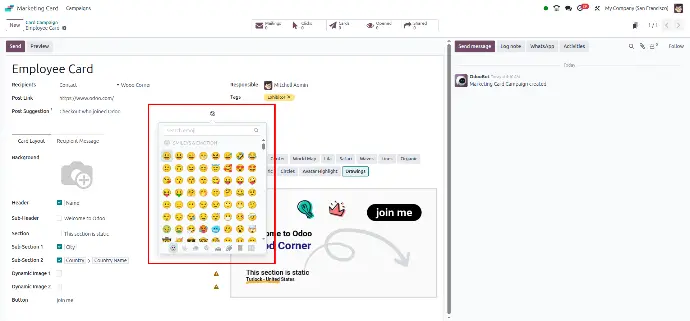
Widget : documentation_link
Used in Odoo to display a clickable help/documentation link in the form view.
It is typically used in configuration or settings views to guide users to external or internal help resources.
- Module : web
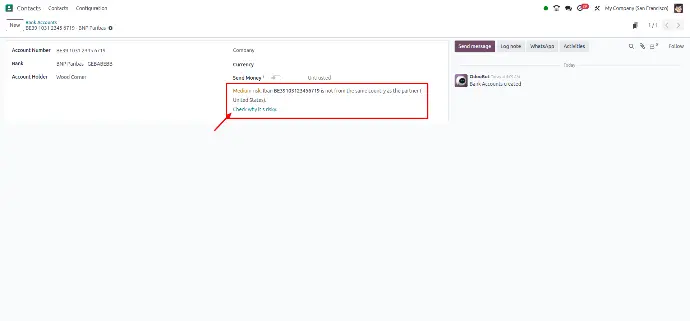
Widget : survey_question_trigger
The survey_question_trigger widget in Odoo is designed to manage conditional questions within surveys.
It allows certain questions to appear based on the respondent's answers to previous questions, enabling a dynamic and personalized survey experience.
- Module : survey
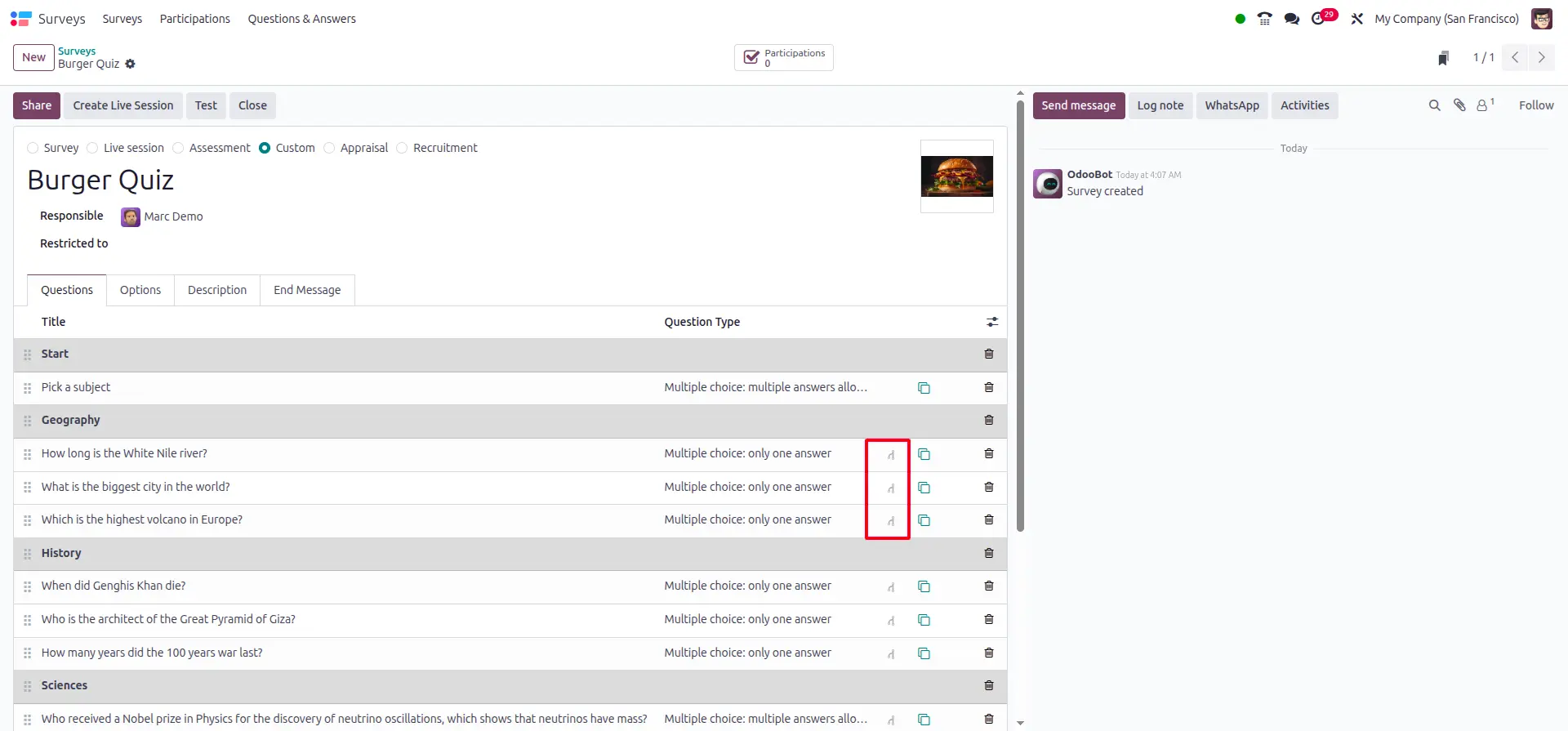
Conclusion
Odoo 18 significantly enhances the UI and business process efficiency with its wide range of powerful widgets. These widgets will help you with data visualization, streamlined communication, and improved user interaction to meet the evolving demands of modern enterprises.
Whether you are configuring forms, extensive dashboards, or user inputs, these widgets offer great flexibility and scalability. By using the right widgets, businesses can not only simplify complex processes but also create a smooth and intuitive user experience that drives better productivity and decision-making.
Let’s take full advantage of Odoo 18 widgets to build smarter, faster, and more dynamic applications for your business!
