 India
India  USA
USA  Canada
  Brazil
  (+91) 84878 36210
 (+91) 88490 36008
  info@candidroot.com
This module will help you to change the Field Value Color based on Conditions.

Community
Enterprise
Change Field Color Based On Value
Easily Change Field Value Colors Based on Conditions with This Module, Adding Visual Clarity to Your Data.
Youtube Video

01
Customize Integer Field Colors at the Code Level Setting Conditions for a Dynamic Visual Experience.
Go to Code --> in integer field -> context="{'color': '#ff0000', 'condition': '>', 'value':
'10', 'else': '#00ff00'}"

02
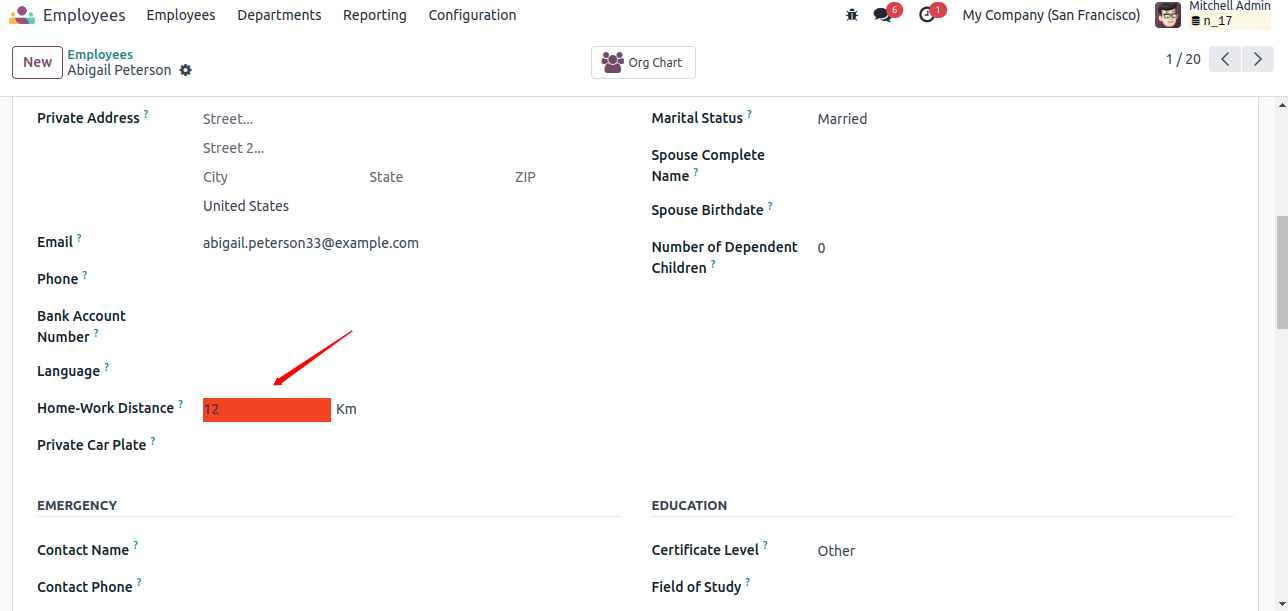
Set Background Colors Dynamically Based on Conditions — Differentiating Between More and Less Values for Improved Visual Indication.
03
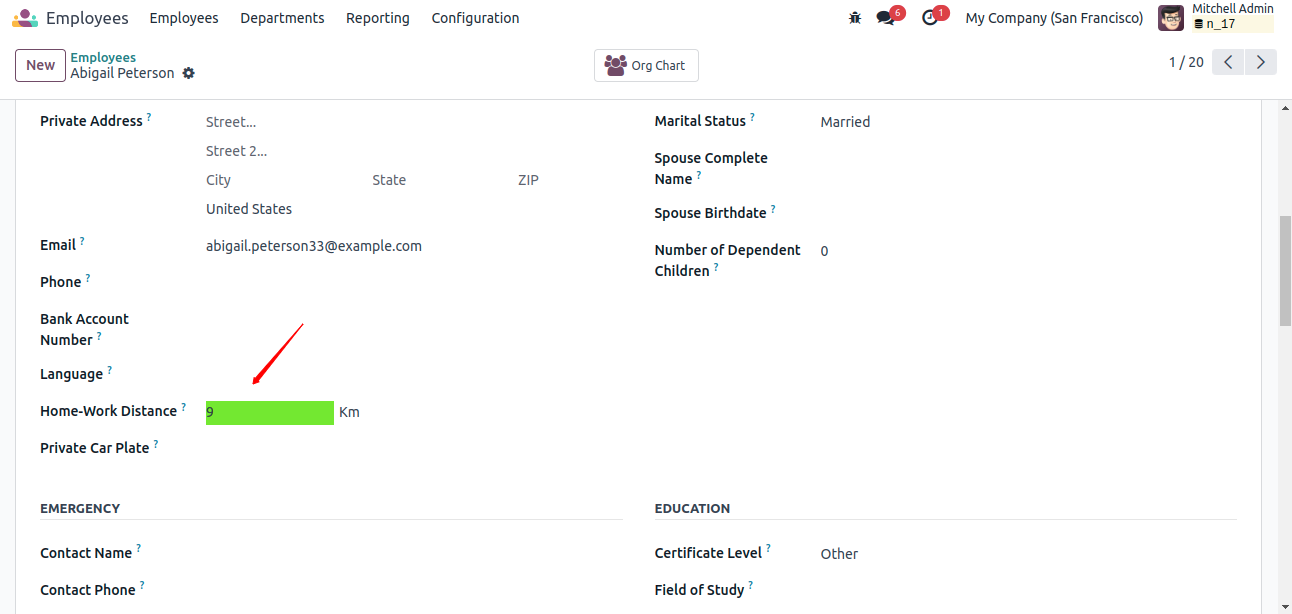
Enhance Visuals by Setting Background Colors Based on Conditions, Including 'Else' Values for Improved Display, Especially for Lesser Values.
Get Help From Us!
Our Services












Please Follow Us On
Alternative Products
These other products might interest you